
Android gives you many ways to customize your phone, but most customization apps focus on wallpapers, icons, widgets, or launchers. Gravity Locket: UI Shortcut takes a different approach by placing a small floating locket on your screen that reacts to the movement of your phone and can also work as a shortcut for your favorite apps.
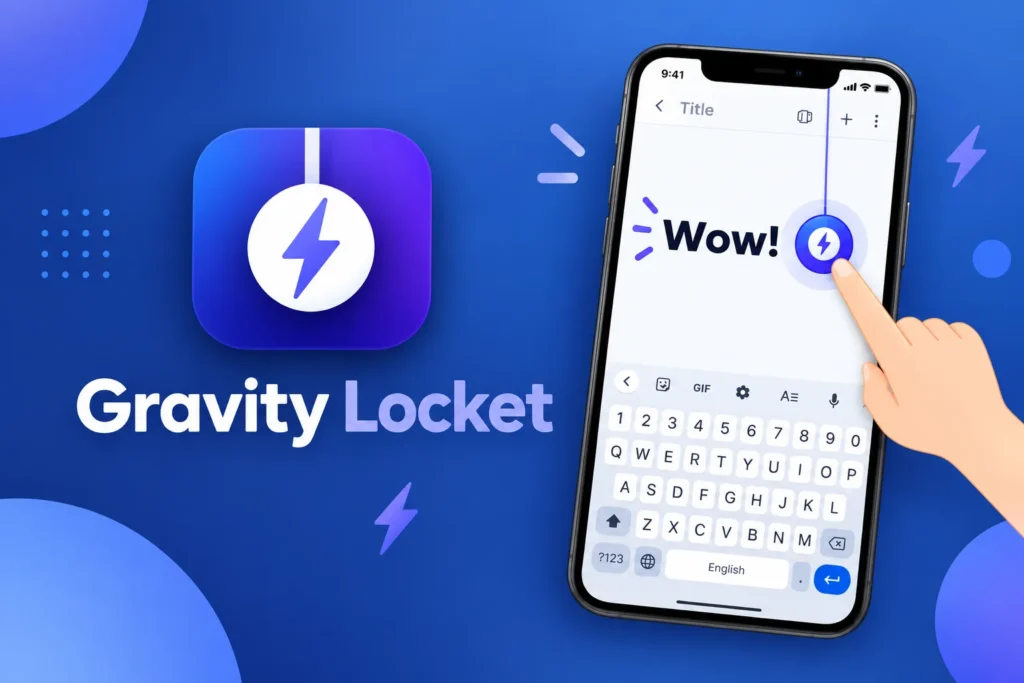
Gravity Locket is developed by CFY Apps and is currently listed on Google Play under the Personalization category. The current listing shows ads and in-app purchases, and the app was updated on September 1, 2026.
The idea behind the app is simple but unusual. Instead of keeping shortcuts fixed in one place, you get a floating visual element that swings, bounces, and moves naturally as you tilt or move the phone. You can also personalize the locket with your own image and assign actions to different gestures.
What Is Gravity Locket?
Gravity Locket is a floating Android widget and shortcut tool built around real-time physics.
Once enabled, a custom locket appears above your other applications. The locket uses information from your phone’s accelerometer to react to movement, so it can swing or bounce as the device is moved.
It is not a traditional launcher and does not replace your entire home screen. Instead, it adds a small interactive layer over the Android interface.
The main features include:
- Real-time gravity animation
- Custom photos
- Multiple locket shapes
- Adjustable size
- Adjustable thread length
- Custom top-screen position
- App shortcuts
- Gesture actions
- Automatic hiding in some situations
This combination makes Gravity Locket particularly interesting for people who enjoy unusual Android customization.
A Floating Locket That Moves With Your Phone
The most noticeable feature is the physics-based movement.
Gravity Locket uses the phone’s accelerometer to detect movement and uses that information to animate the locket. When you tilt or move the phone, the locket can swing and bounce rather than remaining completely static.
This gives the phone screen a more dynamic appearance.
For example, imagine holding your phone and slightly tilting it from side to side. The locket can respond to that movement, creating a small pendulum-like effect.
It is a simple visual detail, but it feels very different from a conventional Android shortcut.
Use Your Own Photo
Another interesting part of Gravity Locket is personalization.
The app lets you choose a photo from your gallery and crop it into several shapes. The current description mentions shapes such as circles, rounded squares, pentagons, and stars.
This means the locket does not have to use the same appearance for everyone.
You could use:
- A portrait
- A pet photo
- A favorite character
- A personal logo
- A family image
- A custom illustration
Once selected, the photo becomes part of the floating locket design.
This can make the shortcut feel more personal than a normal app icon.
Customize the Size and Position
Gravity Locket also gives you control over where the floating element appears.
You can adjust the size, thread length, and top-screen position according to the current app information.
This is useful because different users have different preferences.
You may want the locket to stay near one corner so it remains out of the way, while another user may prefer it closer to the top center of the screen.
The ability to adjust the size is useful as well. A smaller locket can be more subtle, while a larger one makes the feature easier to notice and interact with.
Turn the Locket Into a Shortcut
Gravity Locket is not only a visual effect.
Its main practical purpose is to provide quick access to applications and actions. The app allows you to assign gestures to the floating locket and use them as shortcuts.
The current feature description gives examples such as:
Single Tap: Open your most-used app.
Double Tap: Launch another application or tool.
Pull Down: Drag the locket down to trigger a configured action.
This can be useful when you regularly use the same application and want to open it without returning to the home screen.
Access Shortcuts While Using Other Apps
One of the more interesting aspects of the floating design is that the locket can remain available while you are using other applications.
Because it is presented as a floating widget, the shortcut can act as a persistent access point instead of being limited to the home screen. Third-party descriptions of the app also describe the locket as operating over other applications.
For example, you could be browsing the web and use the locket shortcut to launch another application.
That can be useful for frequently repeated tasks.
Helpful for One-Handed Use
Large smartphone displays can sometimes make normal navigation inconvenient.
A floating shortcut placed in an accessible position can reduce the need to reach for a particular icon or return to the home screen.
Gravity Locket can therefore be useful for people who want:
- Faster access to favorite apps
- A shortcut available across screens
- One-handed interaction
- A more personalized interface
It is not a complete one-handed launcher, but the floating control can complement an existing Android setup.
Hide the Locket When You Don’t Need It
The app also includes logic designed to avoid keeping the floating animation visible in situations where it would not be useful.
According to the current app description, Gravity Locket automatically pauses its physics engine and hides itself when the screen is turned off, when secure apps are opened, or when the phone switches to landscape mode such as during video playback or gaming.
This is a useful design choice.
A floating shortcut could become distracting during a full-screen video or game, so automatically hiding it in those situations helps keep the screen clear.
Battery-Friendly Behavior
Because the app uses the accelerometer and an animated physics system, continuous movement could otherwise create unnecessary background activity.
The developer says the app is optimized to pause its physics engine and hide the locket when it is not needed.
This can help reduce unnecessary activity, although actual battery usage can still vary by smartphone, Android version, screen behavior, and how frequently the locket is active.
No background feature should be assumed to have zero battery impact on every device.
Privacy and Local Processing
Gravity Locket also emphasizes local processing.
The developer states that the selected images and accelerometer data are processed locally on the device and that the app does not collect personal app-usage or shortcut data.
However, Google Play’s current data-safety section separately says the app may share device or other IDs with third parties and may collect financial information, app activity, and other data types.
Because these disclosures can change, it is a good idea to review the latest Play Store privacy information before installation.
How to Set Up Gravity Locket
Getting started is relatively simple.
- Install Gravity Locket on your Android phone.
- Open the app.
- Follow the required setup instructions.
- Select an image from your gallery.
- Choose the locket shape.
- Adjust its size and position.
- Assign actions to tap or drag gestures.
- Enable the floating feature.
- Test the locket while using other applications.
The exact interface may vary between app versions.
Who Should Use Gravity Locket?
Gravity Locket is especially suited to Android users who enjoy unique interface experiments.
It can be interesting for:
- Android customization enthusiasts
- Users who like floating widgets
- People who frequently launch the same apps
- One-handed phone users
- Users who enjoy physics-based animations
- People who want to use a personal photo as a shortcut
It may be less useful for someone who prefers a completely static and minimal Android interface.
Is Gravity Locket Free?
The current Google Play listing shows Gravity Locket as a free application with ads and in-app purchases. It currently has 1K+ downloads on Google Play and is rated for everyone.
Because the app is still relatively new, its feature set and pricing can change through future updates.
Important Things to Know
Gravity Locket is best viewed as a combination of floating widget, customization tool, and shortcut system.
It does not replace your Android launcher, and it is not designed to become a complete home-screen environment.
You should also remember that floating interfaces and advanced gesture functions may depend on Android permissions.
The app is currently listed for Android 10 and newer by third-party app catalogs, while the latest available version around September 2026 is 1.0.3.
Final Thoughts
Gravity Locket: UI Shortcut offers a genuinely different way to interact with an Android phone. Instead of using a regular icon, it places a customized floating locket on the screen and combines physics-based movement with shortcut controls.
The ability to use your own photo, choose different shapes, adjust the locket’s position and size, and assign tap or pull gestures makes it more than a decorative widget.
For users who enjoy unique Android customization, floating shortcuts, interactive widgets, and personalized phone interfaces, Gravity Locket is an interesting app to explore.
Related Words: Loket, Locked, Gravity Lockat, Locde,Lockit, Locate, Loket, Locker, Locked, Lockte, Loket, Lockel, Lacket, Lacket , Locet, Locte ,
